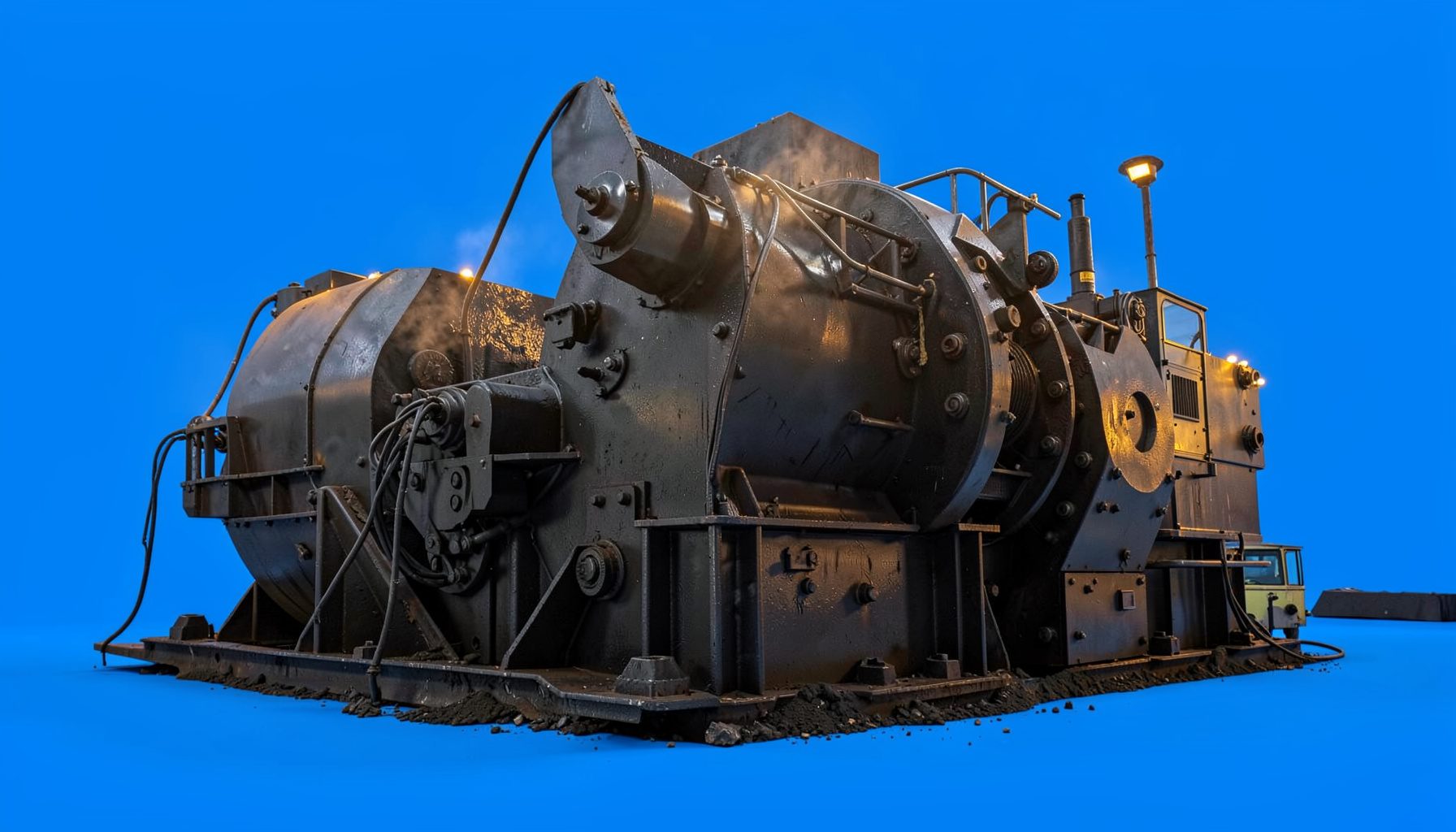
Troubleshooting vibrating screen stroke, slope, and speed
Vibrating screens are central to efficient material classification in quarries, mines, recycling plants, and aggregate operations. When a screen begins producing inconsistent cuts, carrying oversize, blinding, or running noisily, the root cause is often linked to three operating variables: stroke, deck slope, and rotational speed. These settings influence material travel, bed depth, screening time, and the force applied to the screen media.
For Australian operators, the correct adjustment depends on the material, screen design, feed rate, moisture, and required product specification. A plant processing crushed granite near Sydney may need a different setup from a wet sand operation in Brisbane or an iron ore installation in Western Australia. Use the following guide to identify likely causes before changing settings, and always follow the equipment manufacturer’s limits.
| Symptom | Likely setting issue | First adjustment to check | What to monitor |
|---|---|---|---|
| Material travels too quickly | Excessive slope or speed | Reduce slope or rotation gradually | Undersize recovery and bed depth |
| Heavy carryover of fines | Low stroke, low speed, or overloaded deck | Check feed rate, then increase motion carefully | Product gradation and screen vibration |
| Blinding or pegging | Inadequate acceleration, wet feed, or unsuitable media | Inspect aperture and adjust stroke or speed | Open area and moisture content |
| Uneven flow across the deck | Unequal feed, worn springs, or poor levelling | Check chute distribution and support condition | Side-to-side bed depth |
| High noise or structural movement | Excessive stroke, resonance, or loose components | Stop and inspect before resetting | Bearings, bolts, springs, and side plates |
Start with safe checks and accurate measurements
Before changing stroke, slope, or speed, isolate the vibrating screen according to the site’s lockout and tagout procedure. A screen can retain stored energy in drive components, springs, counterweights, and suspended structures. In Australia, maintenance teams commonly work under strict site permit systems, particularly at large mine sites in Western Australia and Queensland. A quick adjustment while the machine is running can create a serious entanglement or crush hazard.
Inspect the screen while it is stopped. Look for loose bolts, cracked side plates, damaged cross members, broken springs, worn exciter bearings, and material packed beneath the deck. Check whether the machine is level and whether the support structure has shifted. Uneven support can make a screen appear to have a stroke problem when the actual fault is mechanical distortion or unequal spring compression.
Measure actual operating conditions rather than relying only on control-panel settings. Use a tachometer to verify shaft speed, compare the measured frequency with the design value, and inspect the orbit or throw pattern at several points along the side plates. A simple stroke plate or vibration-analysis instrument can help identify differences between the drive end and discharge end. Specialist suppliers such as Cavendish Instruments provide measurement equipment relevant to vibration and industrial monitoring.
Understand what stroke changes
Stroke is the distance travelled by the vibrating body during one complete movement cycle, while throw is often used to describe the one-way amplitude. Increasing stroke raises the acceleration applied to the material. This can improve stratification, lift particles from the deck, and help remove material from the apertures. It also increases mechanical loading, impact forces, and the risk of excessive material velocity.
A low stroke commonly produces a deep, sluggish bed. Coarse particles remain on the top layer, fine particles cannot migrate efficiently through the bed, and the discharge may contain excessive undersize. The screen may look calm, but calm operation is not necessarily efficient operation. If the machine is correctly loaded and mechanically sound, a controlled increase in stroke can improve screening efficiency.
An excessive stroke creates a different set of problems. Material can be thrown too aggressively, reducing contact time with the screen media. The deck may show bouncing particles, unstable flow, or rapid movement toward the discharge. Side plates and supports can experience high dynamic loads, and springs may heat or fatigue prematurely. Adjust in small increments, then allow enough operating time to evaluate product samples rather than judging performance by deck appearance alone.
When changing stroke on a double-bearing or exciter-driven screen, keep the counterweight arrangement balanced and within the manufacturer’s permitted range. Never add or remove counterweight mass casually. The resulting centrifugal force can exceed the design load on shafts, bearings, frames, and foundations.
Set slope for travel and retention time
Deck slope controls how quickly material moves across the screen. A steeper incline generally increases conveying speed and reduces residence time. This can be valuable when handling a high-volume scalping duty, removing large rocks before a crusher, or preventing a wet feed from building up near the feed chute. It may reduce separation quality if fine particles do not have enough time to pass through the apertures.
A flatter deck slows the material and increases screening time. This can improve fines recovery when the feed is well distributed and the bed is not too deep. If the slope is reduced too far, however, material may pool, clog the apertures, and overload the feed end. The ideal setting is a balance between a stable, shallow bed and sufficient transport toward the discharge.
Feed characteristics should guide the decision. Dry crushed basalt from a Victorian quarry may travel predictably, while clay-rich material near Newcastle can form lumps and slide unevenly. Wet screening in tropical Queensland may require spray water, different screen media, and a slope that prevents slurry accumulation. Guidance on selecting media and equipment for different conditions is available in this resource on wet and dry screening.
Check the entire deck rather than focusing only on the final discharge. If the feed end is overloaded but the discharge end is nearly empty, the issue may be poor feed distribution, insufficient slope, or an upstream surge. If material races across every deck and fines recovery is low, reduce conveying force gradually or review the feed rate before making a major mechanical adjustment.
Match speed to material and screen media
Screen speed determines how frequently the deck accelerates the material. Higher speed can increase stratification and reduce the tendency of particles to settle into a compact layer. It may help with difficult dry screening, particularly where near-size particles need repeated opportunities to find an aperture. Higher speed also increases the number of impacts and can shorten the service life of wire cloth, polyurethane panels, springs, and bearings.
Low speed may cause poor separation, material buildup, and plugging. It can be useful for fragile particles or applications where excessive acceleration causes degradation, but it should not be used to compensate for an overloaded deck or unsuitable aperture size. When the screen is running below its intended frequency, the material may simply slide or roll instead of being lifted and stratified.
Speed and stroke must be considered together. A large stroke at a low frequency can create a heavy, forceful motion, while a small stroke at high frequency produces frequent but potentially shallow agitation. The correct combination depends on the screen’s design, the feed size distribution, the required cut point, and whether the duty is scalping, sizing, dewatering, or washing.
Inspect the screen media when speed changes fail to solve the problem. Blinded wire mesh, stretched cloth, worn polyurethane, and incorrectly tensioned panels can create symptoms that resemble incorrect vibration. Mesh openings should suit the product specification, and the media must be secured so it cannot flap, rub, or develop unsupported areas. Decorative or architectural mesh products are made for different purposes, as shown in this explanation of roll-forming decorative mesh; industrial screening media must be selected for aperture accuracy, wear resistance, and load duty.
Balance performance with feed conditions
Many apparent vibration faults are caused by unstable feed. A vibrating screen cannot compensate for a surge from a feeder, a blocked chute, or a poorly designed transfer point. Material should be spread across the usable width of the deck, with no heavy stream concentrated against one side. A vibrating feeder, properly sized conveyor, or controlled bin discharge can make the screen far easier to tune.
Monitor feed rate, moisture, particle size, and bulk density during every test. A setting that works during a dry morning shift may fail after rain, when clay coats the media and fine particles adhere to coarse rock. This is familiar to operators around Melbourne and Adelaide, where seasonal conditions can change dust and moisture levels quickly. At remote operations, record the settings that work for each ore type rather than relying on memory between campaigns.
Take representative samples from feed, each screened product, and the oversize stream. Compare the measured gradation with the target specification. If undersize is reporting to oversize, first check bed depth, media condition, and feed distribution before increasing vibration. If oversize is contaminating the undersize product, inspect for torn panels, incorrect apertures, short-circuiting around the deck, or excessive acceleration that is throwing large particles through openings.
Screening also affects the wider comminution circuit. Poor classification can send excessive fines back to a crusher or mill, increasing circulating load and power consumption. Operators reviewing plant efficiency may find useful background in this discussion of grinding circuit energy, particularly when screen performance is contributing to unnecessary recirculation.
Use a controlled troubleshooting sequence
Change one variable at a time and record the result. Start by confirming the feed rate, material moisture, screen media condition, motor speed, and machine level. If the mechanical condition is sound, adjust slope in a small step when residence time is the main issue. Adjust stroke when acceleration and stratification are inadequate. Adjust speed when the frequency of agitation needs to change, always staying within the equipment rating.
After each change, allow the process to stabilise and collect product samples. Review tonnes per hour, screen efficiency, oversize carryover, fines recovery, power draw, bearing temperature, and visible vibration. A setting that increases throughput but worsens product quality or causes rapid wear is not a successful adjustment. In many quarry applications, a slightly lower production rate can be preferable if it consistently meets aggregate specifications and reduces unscheduled downtime.
Persistent uneven motion requires a mechanical investigation rather than repeated control adjustments. Check shaft alignment, eccentric weights, bearing condition, spring stiffness, frame integrity, and foundation bolts. Resonance, especially during start-up or shutdown, can indicate a structural problem. Cracks, unusual knocking, rising bearing temperature, or movement of the support frame should prompt an immediate stop and inspection by qualified personnel.
Once a stable setup is established, document the operating window for each product. Record stroke, speed, slope, feed rate, moisture, screen media, and target gradation. This creates a practical reference for shift crews at sites from Perth to regional New South Wales and helps distinguish a process change from a developing equipment fault. A vibrating screen performs reliably when its settings, feed system, structure, and media are treated as one operating system rather than as separate adjustments.